Nicoletta Ceccoli – A Series Of Twenty Five
Nicoletta Ceccoli is from the tiny country of San Marino, and a childrens author and illustrator acclaimed for her heartbreaking beautiful dreamscape pictures centred on themes of the innocent fantastical imagination of childhood.
There is a gentle melancholy to her work, combined with a pale (not dark) side akin to the phantasmagorial world of Lewis Carroll and other such Victorian authors and illustrators of whimsy.
As well as exhibitions, Nicoletta does illustrations for numerous childrens books, with many children (and those older) buying the books she’s illustrated as much for the sake of the beautiful artwork as the tale within.
Please note that you must have the Sims 3 Design & High Tech Stuff pack for the following paintings to show up.
Butterfly, Card Castle, Catgirl, Fishing Room, Hide & Seek, Katerine, Kleodora, Last Days, Leda, Lovely, Rose Red, Tower, Tree Girl and Uovo.
The frames are recolourable.
Simply download, unzip, then drop the contained folder into your The Sims 3\mods\packages folder and they should show up.
The folder contains jpgs of each package’s picture so you can easily keep the ones you want and delete those you don’t to save yourself some diskspace.
Enjoy!
My Chemical Romance
Had to do something by way of thank you after they so nicely wrote a song for this blog!
(For those not in on the joke, the lyric of ‘Na Na Na (Na Na Na)’ has the line, ‘Shut up and let me see your jazz hands.’)
Here’s a collection of sixteen T-shirts and two sets of hooded tops featuring various motifs from their record artwork.
Will fit Teen, Young Adult and Adults.
All items are recolourable, but the logos aren’t.
As there’s no Teen Male hooded top with the basic pack, there’s a Teen Male Tracksuit top instead.
Please also find a collection of 6 promotional posters (and one photo taken from ‘The ‘Black Parade’ video shoot) available as pictures for your Sims 3 game.
The frames are recolourable.
Please note that you must have the Sims 3 Design & High Tech Stuff pack for the six promotion posters to show up (‘The Black Parade’ cast photo is base game compatible).
The folder contains jpgs of each package’s picture so you can easily keep the ones you want and delete those you don’t to save yourself some diskspace.
To use, download, unzip, and drop the contained folder into your The Sims 3\mods\packages folder and they should show up.
Enjoy!
In conjunction with The Mare’s Nest (at gunpoint – tee-hee-hee-hee! )
To celebrate the 25th anniversary of Midnight Oil reaching Number 1 in their home country of Australia with the ‘Species Deceases’ EP (four months after it was initially released!), here’s a collection of seventeen T-shirts and two sets of hooded tops featuring various motifs from their record artwork.
Will fit Teen, Young Adult and Adults.
All items are recolourable, but the logos aren’t.
As there’s no Teen Male hooded top with the basic pack, there’s a Teen Male Tracksuit top instead.
Please also find a collection of 3 concert posters, 3 album promotion posters and one album cover available as pictures for your Sims 3 game.
The frames are recolourable.
Please note that you must have the Sims 3 Design & High Tech Stuff pack for the three album promotion posters to show up and the Ambitions pack for the square picture to show up.
The folder contains jpgs of each package’s picture so you can easily keep the ones you want and delete those you don’t to save yourself some diskspace.
To use, download, unzip, and drop the contained folder into your The Sims 3\mods\packages folder and they should show up.
Enjoy!
In conjunction with The Mare’s Nest.
Avril Paton – New Look In Abstract
From December 1998, Avril Paton – whose Windows In The West had brought her international acclaim – began to make abstract pictures using pastels, charcoal and graphite, instead of the oil, watercolour and egg tempra mediums of her trademark city scapes.
In 2005, she ceased officially creating paintings of everyday scenes (which had spawned thousands of unashamed Avril Paton clones in almost every city, town and village in Britain) to concentrate solely on her new direction with the launch of the ‘New Looks’ exhibition.
Twenty nine pictures in total for you to download.
The frames are recolourable.
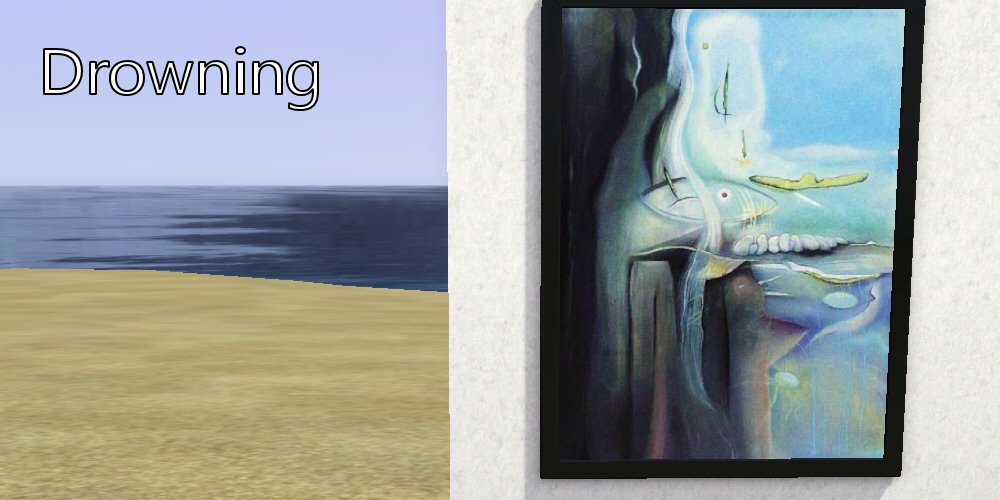
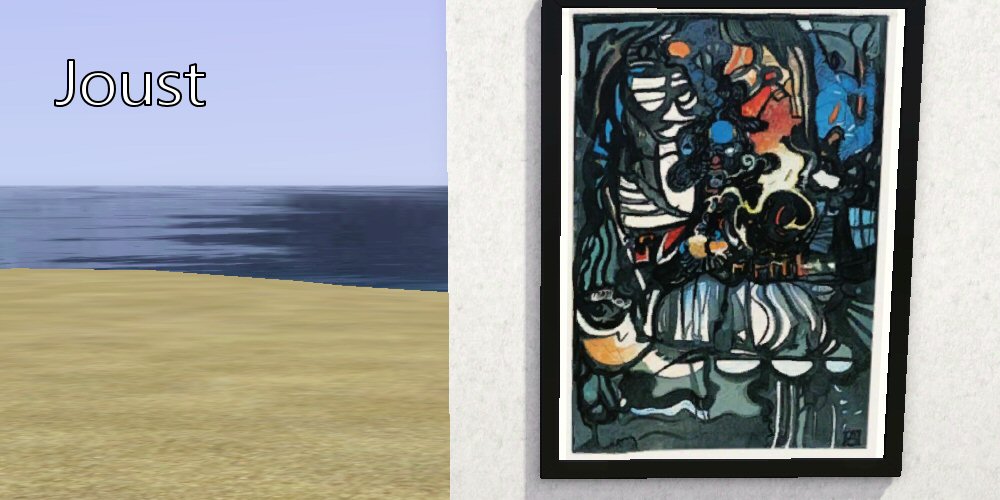
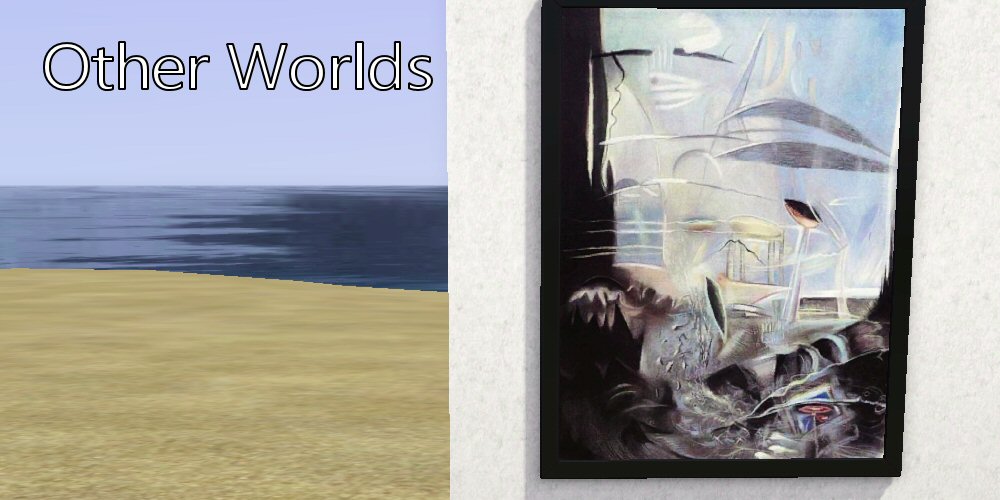
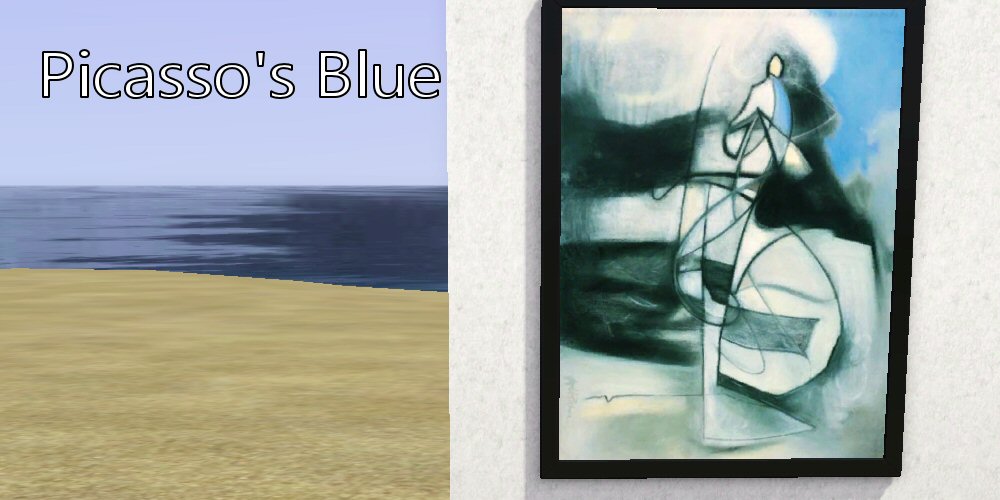
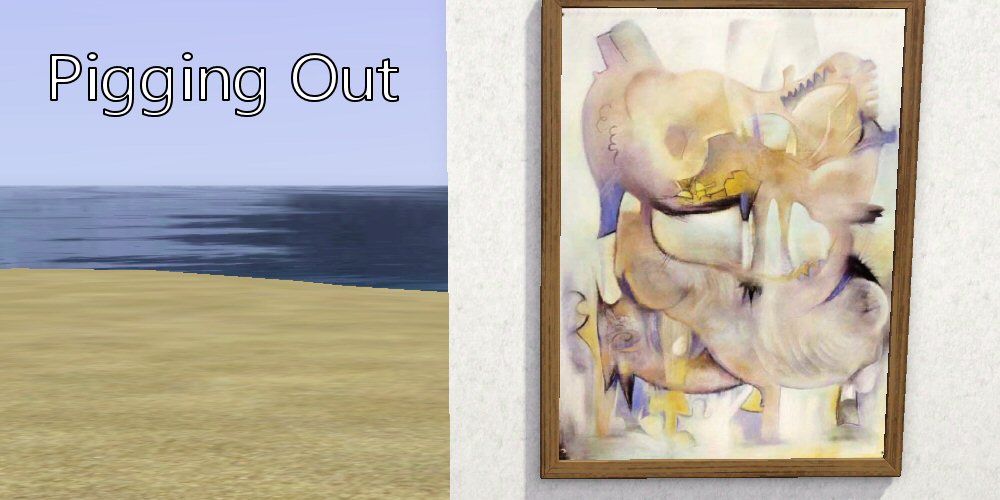
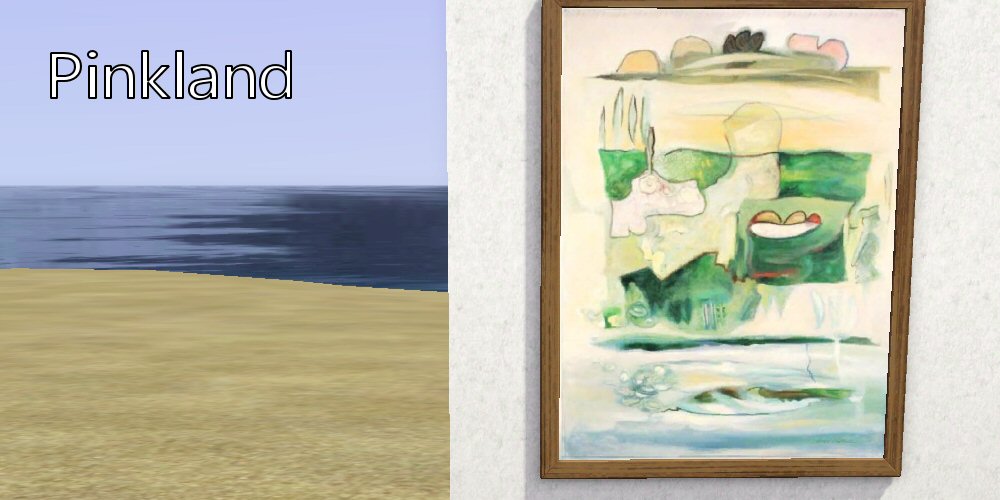
Please note that you must have the Sims 3 Design & High Tech Stuff pack for the above paintings Drowning, Joust, Other Worlds, Picasso’s Blue, Pigging Out and Pinkland to show up.
Simply download, unzip, then drop the contained folder into your The Sims 3\mods\packages folder and they should show up.
The folder contains jpgs of each package’s picture so you can easily keep the ones you want and delete those you don’t to save yourself some diskspace.
Enjoy!
T’is The Season To Be Freezing
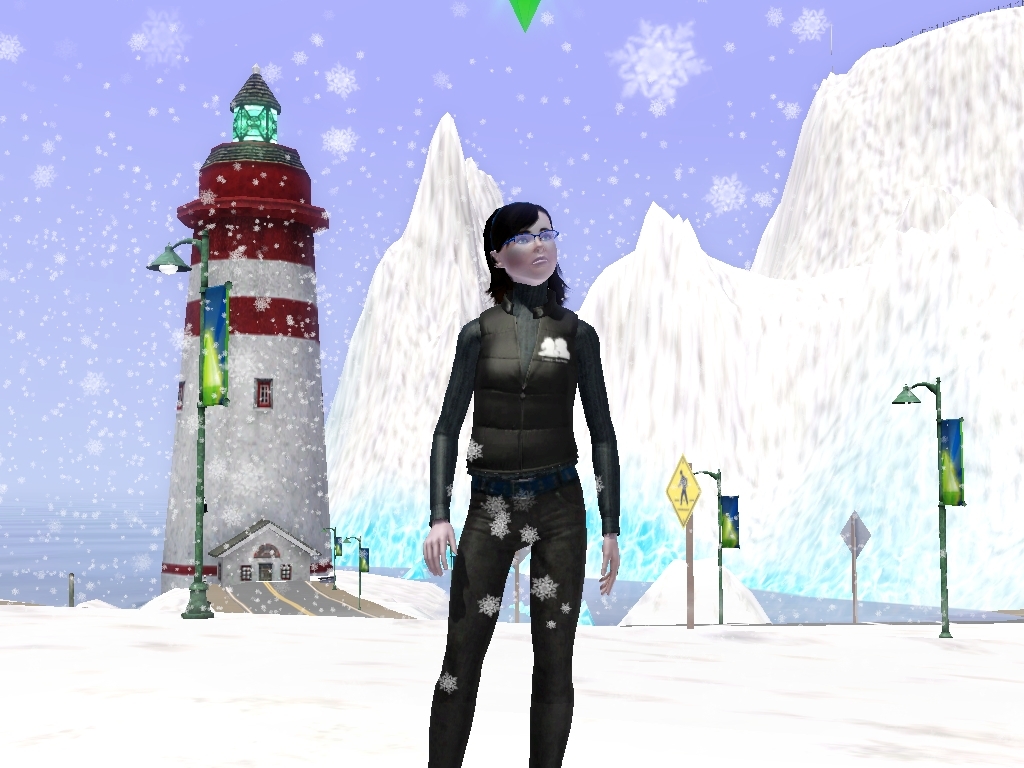
‘Just wait ’til I get my hands on the bugger who told everyone the weather effects cheat codes!’
Avril Paton – The Glasgow Years
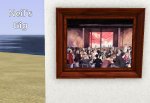
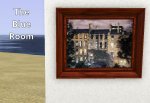
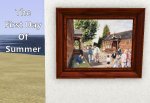
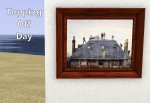
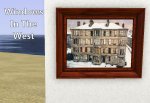

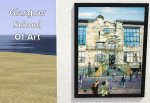
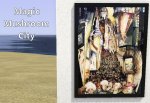
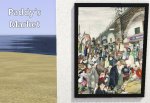
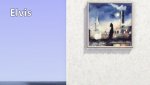
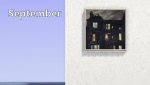
Paintings by Avril Paton, originally from the Isle of Arran (that’s Arran, not Aarin!) whose paintings of tenements and everyday scenes of Glasgow became symbolic of the city’s attempted post-industrial regeneration during of the 1980s and 1990s.
Her painting Windows In The West in particular attracts as many visitors worldwide to Glasgow’s Kelvingrove Art Gallery & Museum as does Salvador Dali’s Christ Of St John Of The Cross.
In 2005, she ceased painting city scapes to concentrate on more fantasy related artwork.
The frames are recolourable.
Please note that you must have the Sims 3 Design & High Tech Stuff pack for Glasgow School Of Art, Magic Mushroom City and Paddy’s Market to show up, and you will need the Ambitions pack for Elvis, September and The Gathering to show up.
Simply download, unzip, then drop the contained folder into your The Sims 3\mods\packages folder and they should show up.
The folder contains jpgs of each package’s picture so you can easily keep the ones you want and delete those you don’t to save yourself some diskspace.
Enjoy!
Eight Classic Arcade Machines
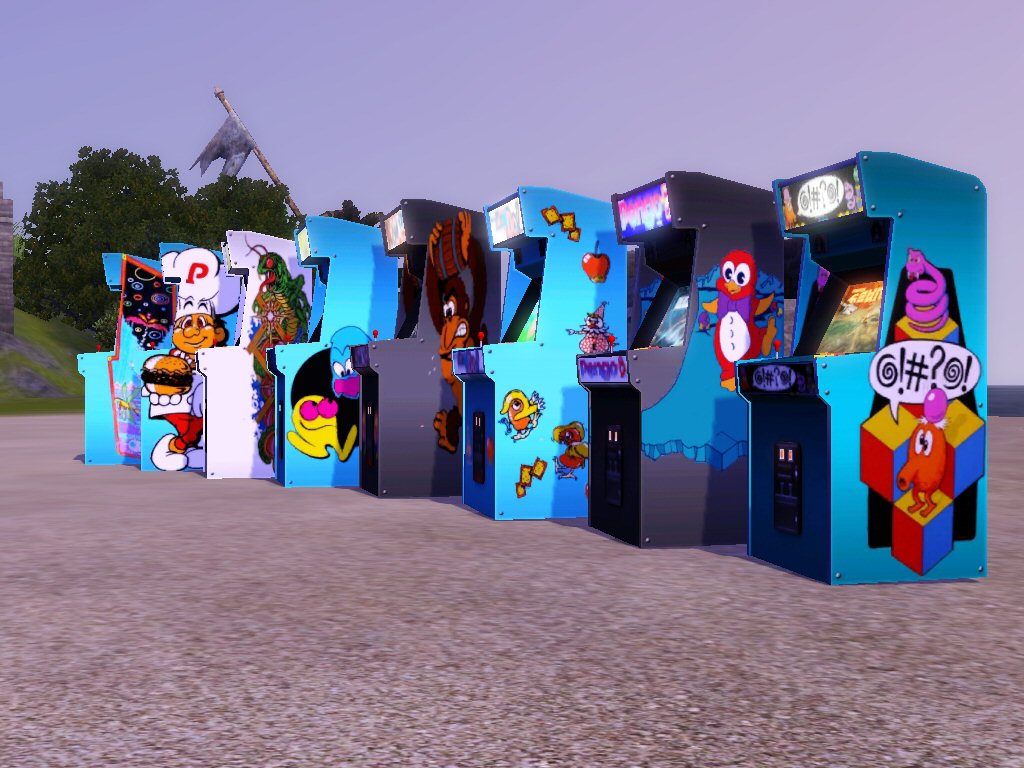
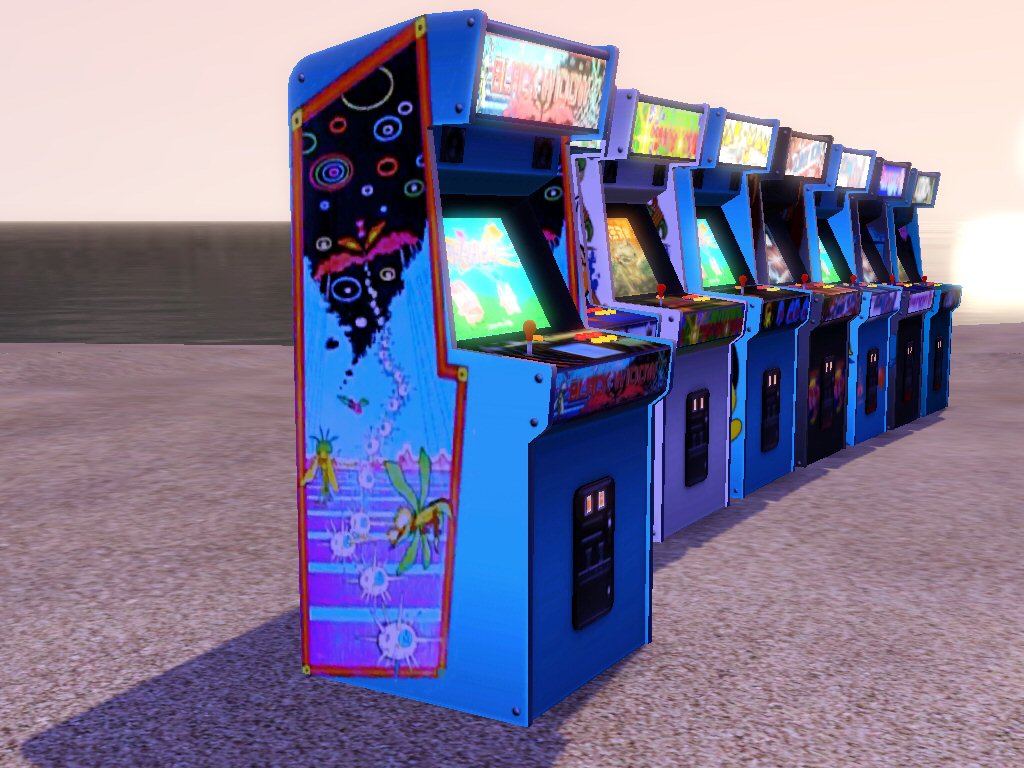
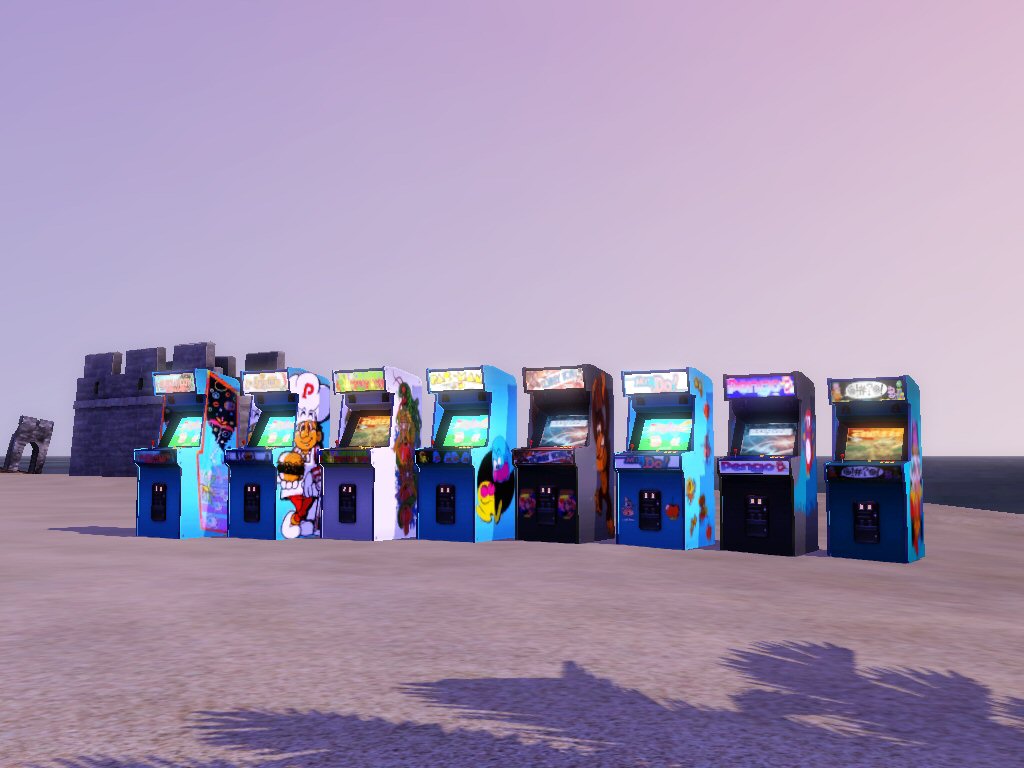
Eight classic arcade games cabinets for your Simmies to play on instead of those that came with Late Night.
The games are Black Widow, Burger Time, Centipede, Donkey Kong (also has Crazy Kong livery if you prefer), Mr Do, Pacman, Pengo and Q*Bert.
You can still recolour the cabinets as before, but not the logos.
Simply download, unzip, then drop the contained folder into your The Sims 3\mods\packages folder and they should show up.
Remember that you must have the Late Night Expansion Pack for these to work!
Enjoy!
Mona Lisa In Lego by Marco Pece
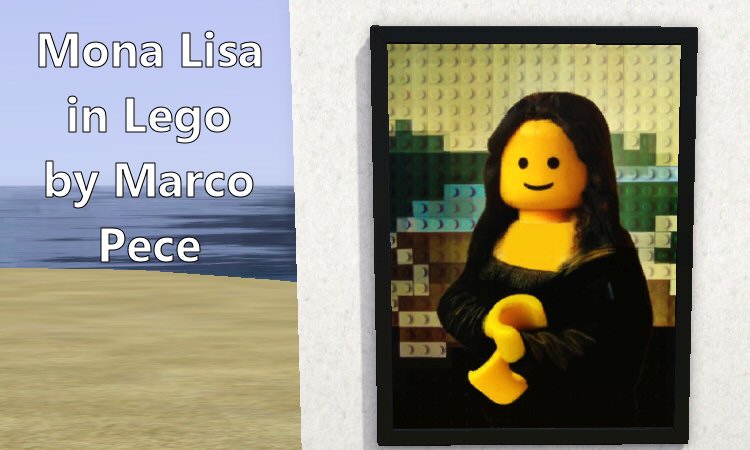
Yes, it’s the Mona Lisa.
In Lego.
But is it art?
The frames are recolourable.
Please note that you must have the Sims 3 Design & High Tech Stuff pack for this to show up in-game.
Simply download, unzip, then drop the contained folder into your The Sims 3\mods\packages folder and they should show up.
The folder contains jpgs of each package’s picture so you can easily keep the ones you want and delete those you don’t to save yourself some diskspace.
Enjoy!
From ‘Far Cry’
Pictures taken from snapshots from the game Far Cry.
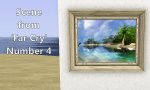
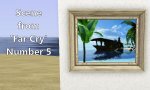
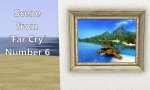
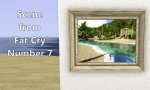
The frames are recolourable.
Simply download, unzip, then drop the contained folder into your The Sims 3\mods\packages folder and they should show up.
The folder contains jpgs of each package’s picture so you can easily keep the ones you want and delete those you don’t to save yourself some diskspace.
Enjoy!
From ‘Lord Of The Rings Online’
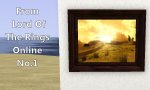
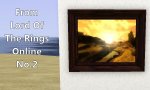
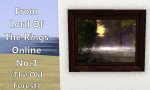
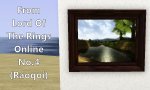
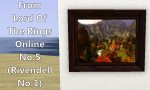
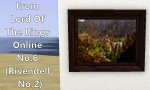
Pictures taken from snapshots from the game Lord Of The Rings Online.
The frames are recolourable.
Simply download, unzip, then drop the contained folder into your The Sims 3\mods\packages folder and they should show up.
The folder contains jpgs of each package’s picture so you can easily keep the ones you want and delete those you don’t to save yourself some diskspace.
Enjoy!


 AA42
 AA6x7
 The Mare's Nest
 6s & 7s
 Skeletal Screams Blogspot

